

Start with your device.
Repairs are priced per model, so pick the exact device you have. We list 70 of them, and everything you see after this fits that one.
iPhone 16 series
iPhone 15 series
iPhone 14 series
iPhone 13 series

iPhone 12 series

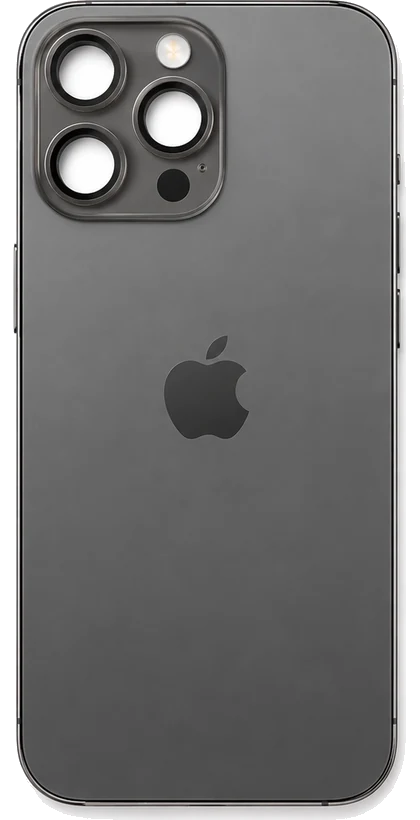

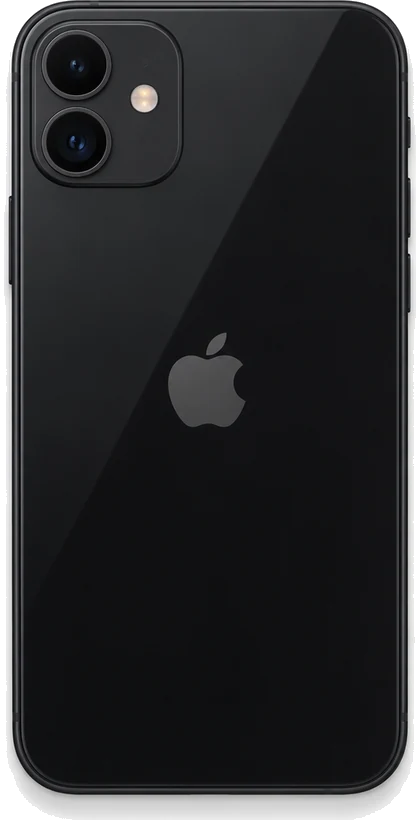
iPhone 11 series
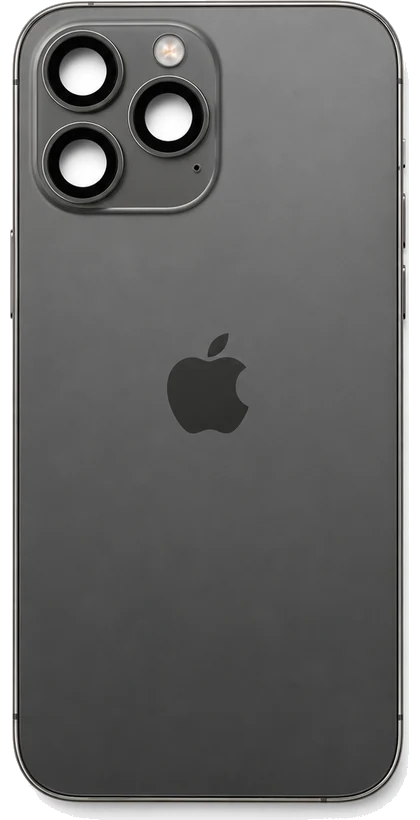
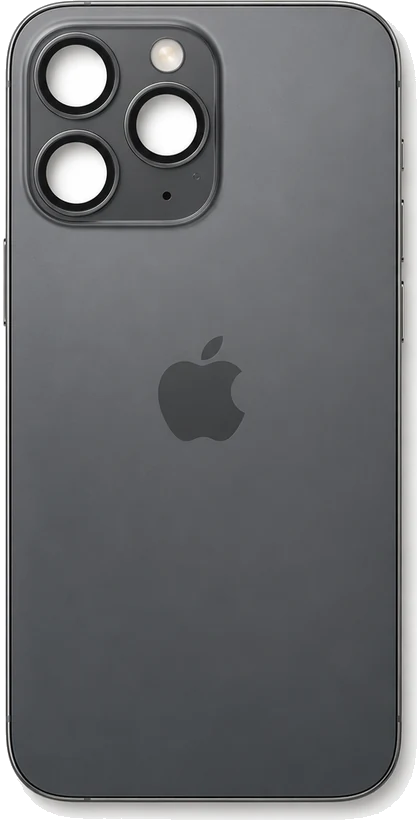
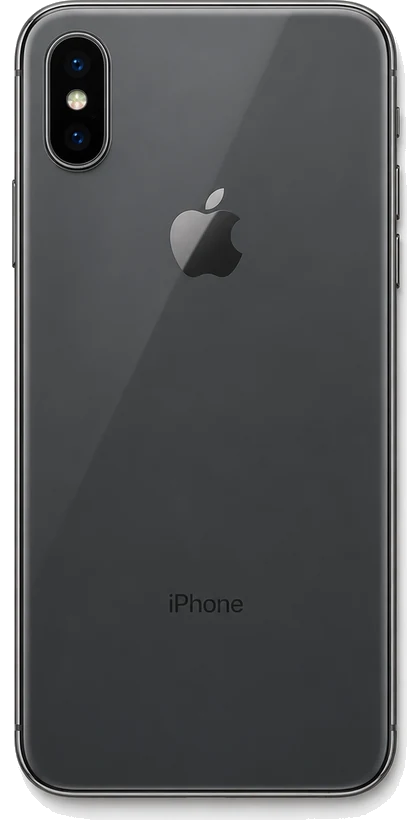
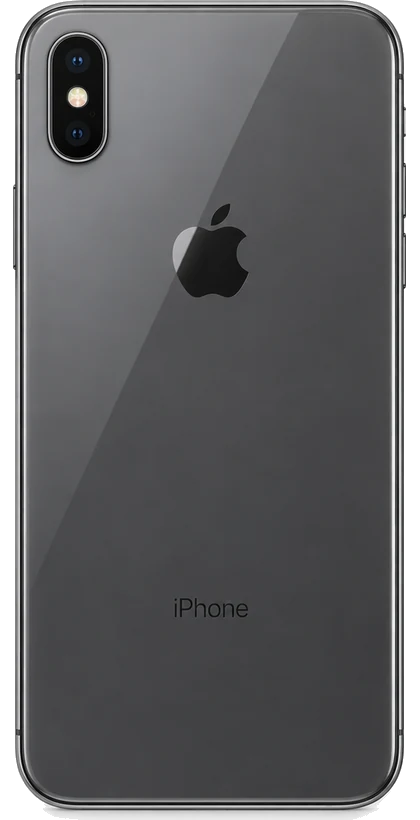
iPhone X series


iPhone 8 series
iPhone 7 series
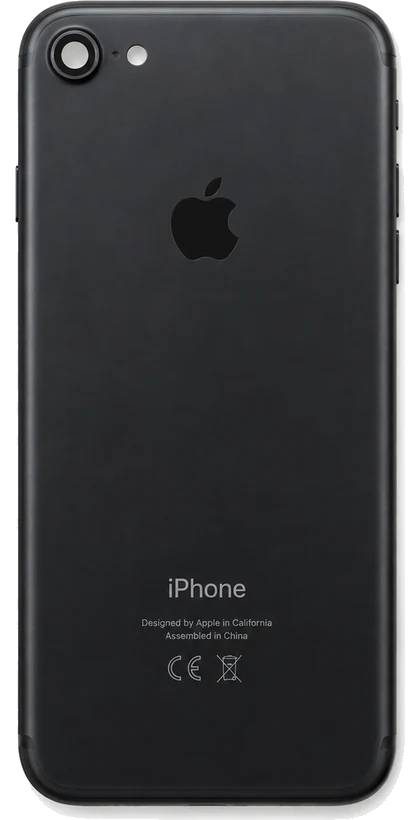
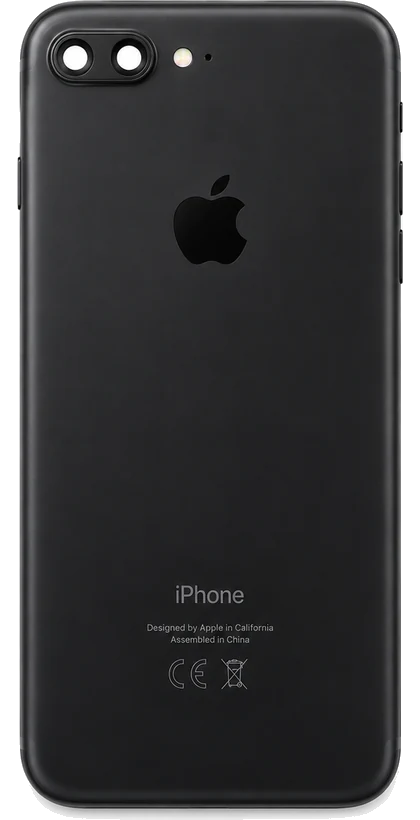
iPhone 6 series
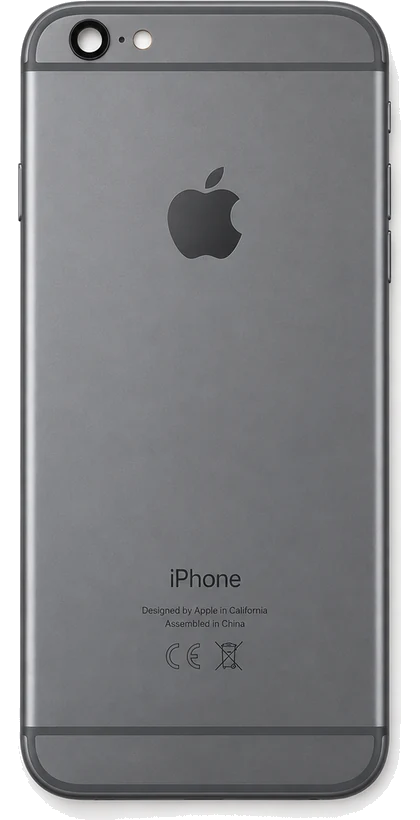
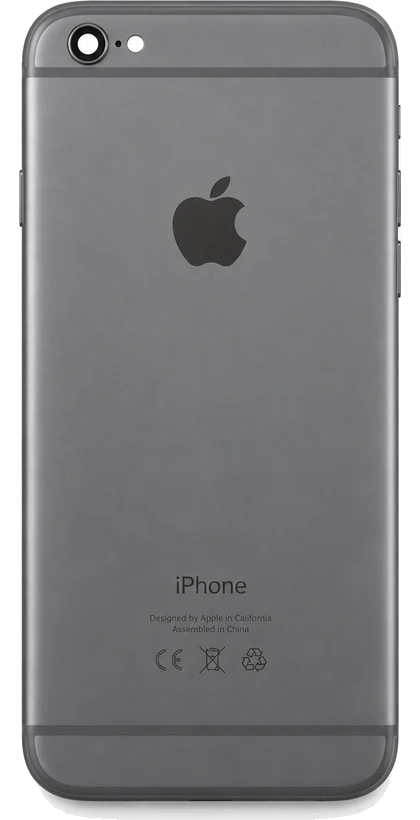
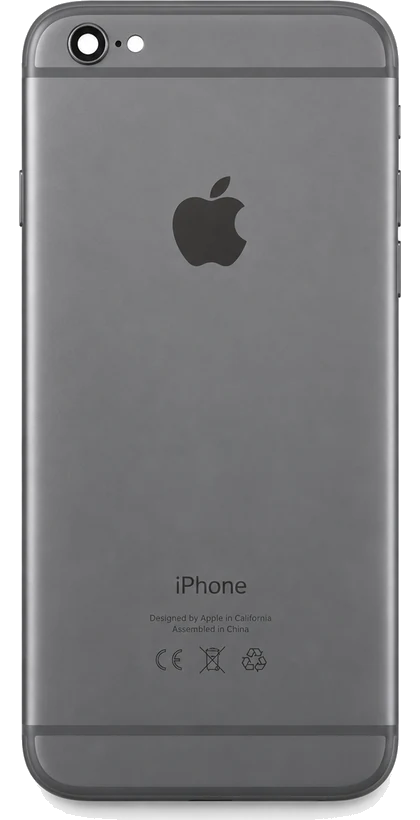
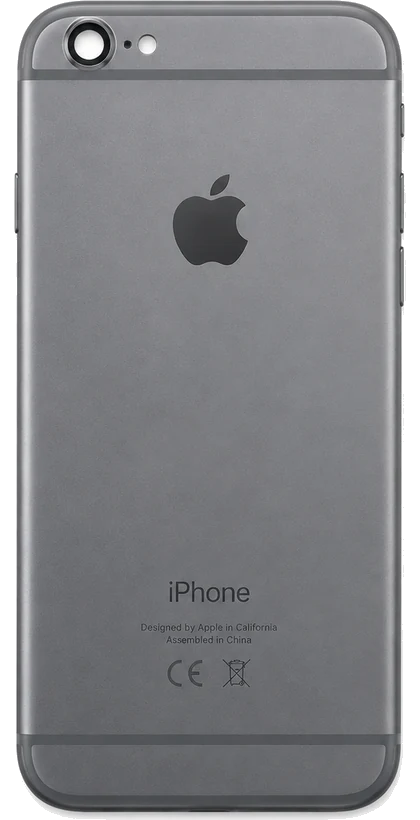
iPhone SE
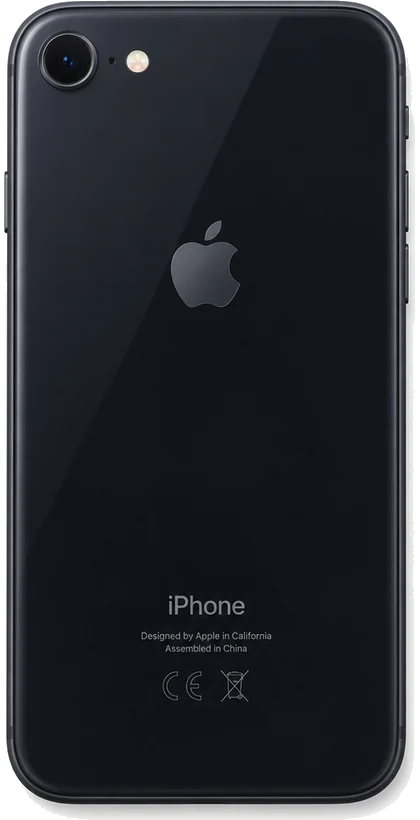
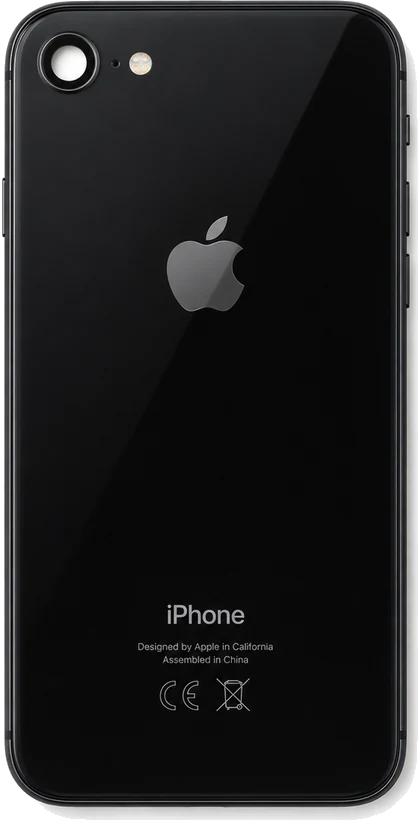
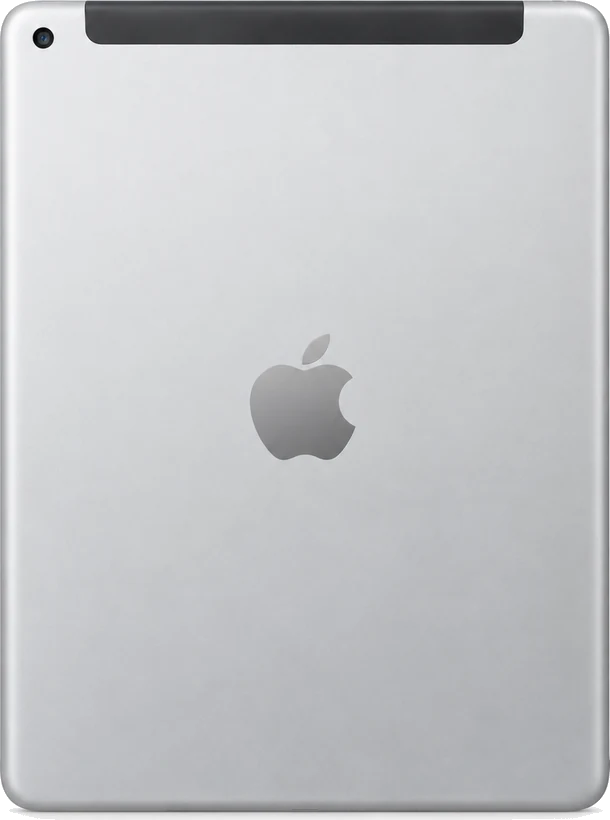
iPad
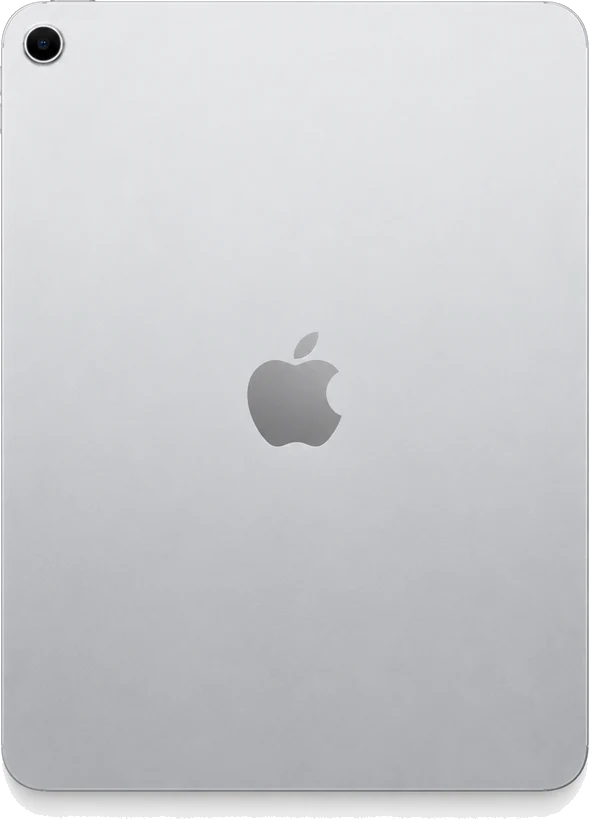
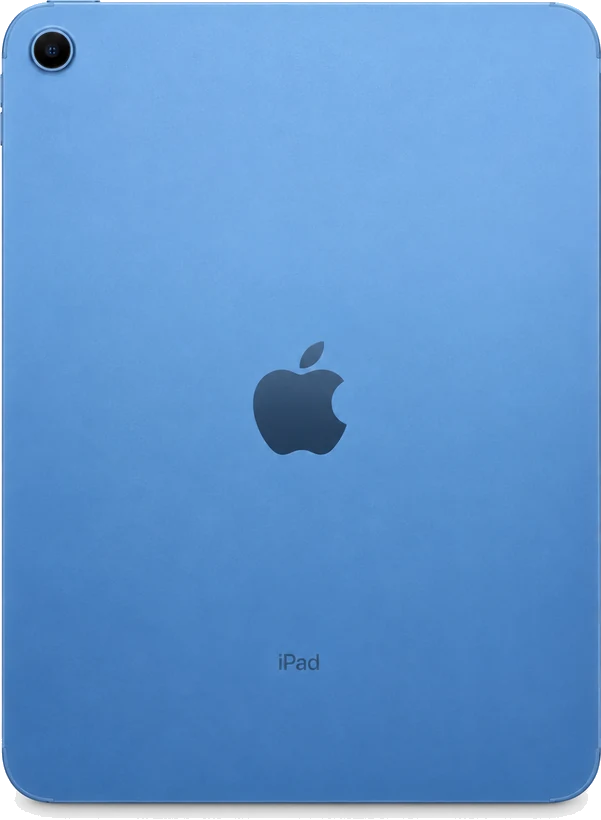
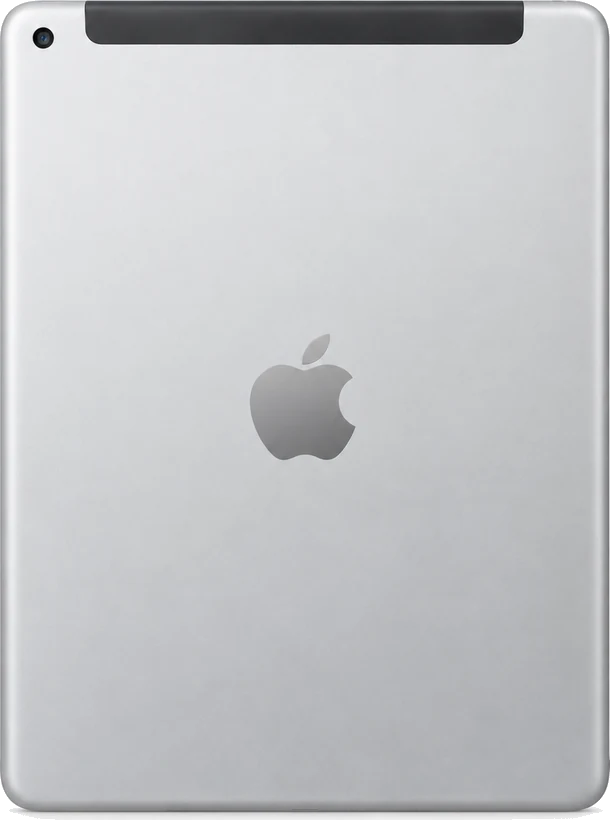
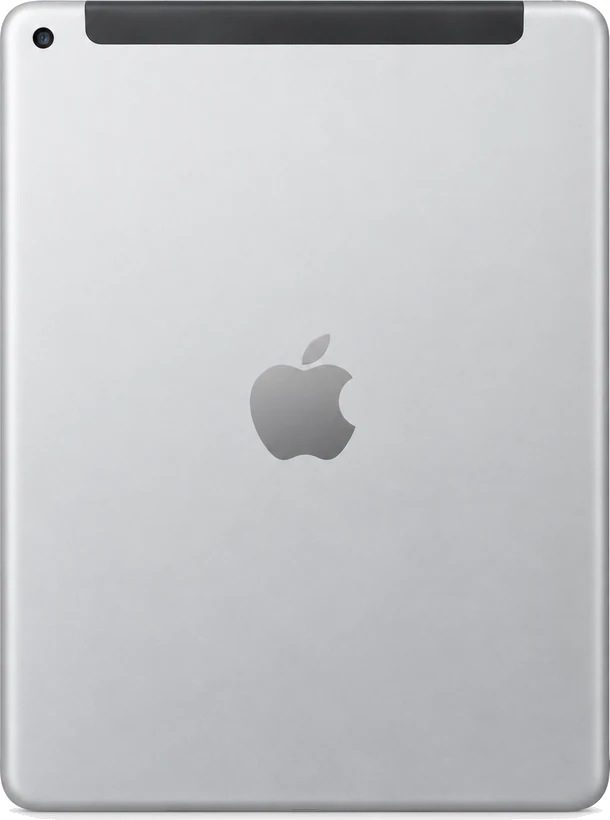
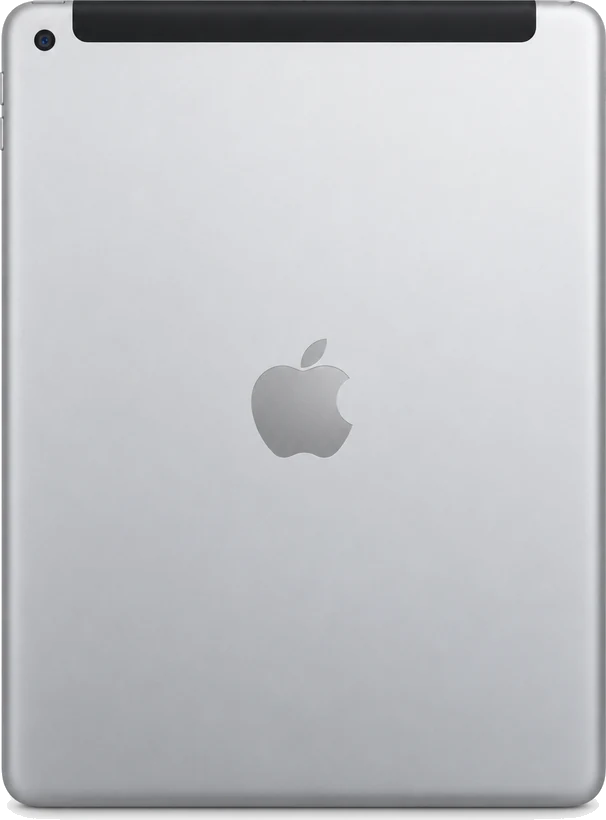
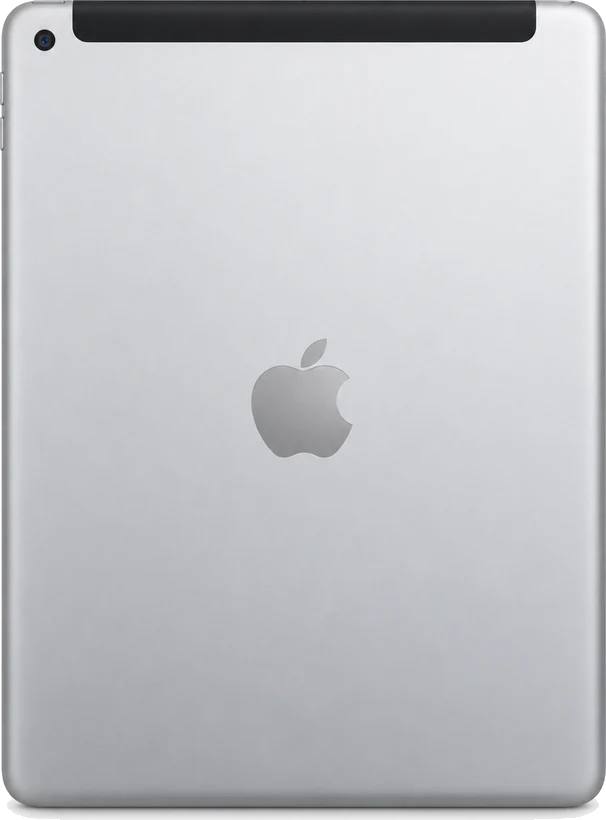

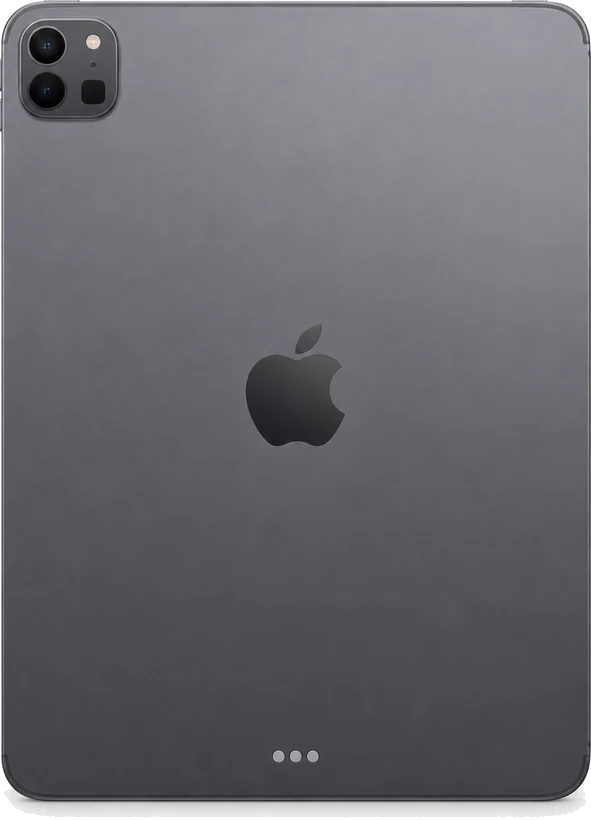
iPad Pro
iPad Pro 12.9" 5th Gen
4 parts
iPad Pro 12.9" 4th Gen
4 parts
iPad Pro 11" 4th Gen
3 parts
iPad Pro 12.9" 3rd Gen
4 parts
iPad Pro 11" 3rd Gen
3 parts
iPad Pro 12.9" 2nd Gen
3 parts
iPad Pro 11" 2nd Gen
3 parts
iPad Pro 12.9" 1st Gen
3 parts
iPad Pro 11" 1st Gen
4 parts
iPad Pro 10.5"
3 parts
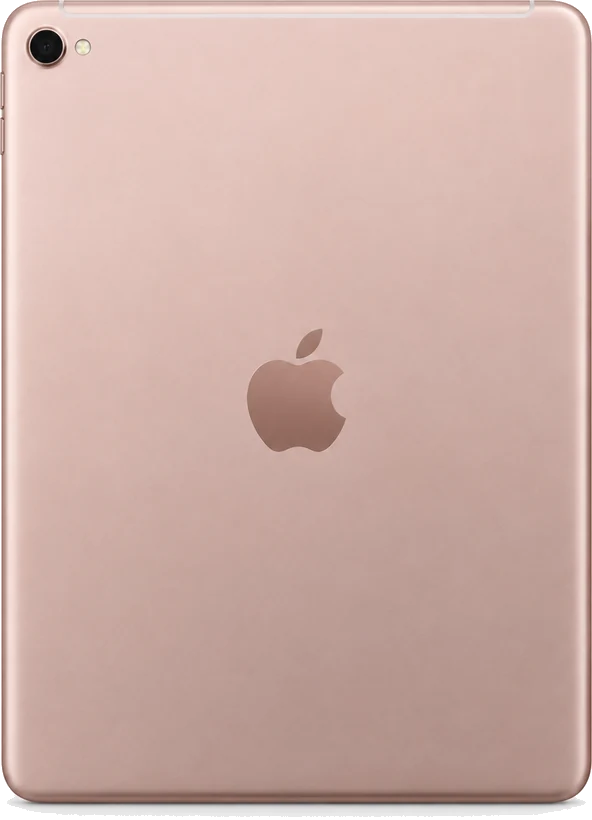
iPad Pro 9.7"
5 parts


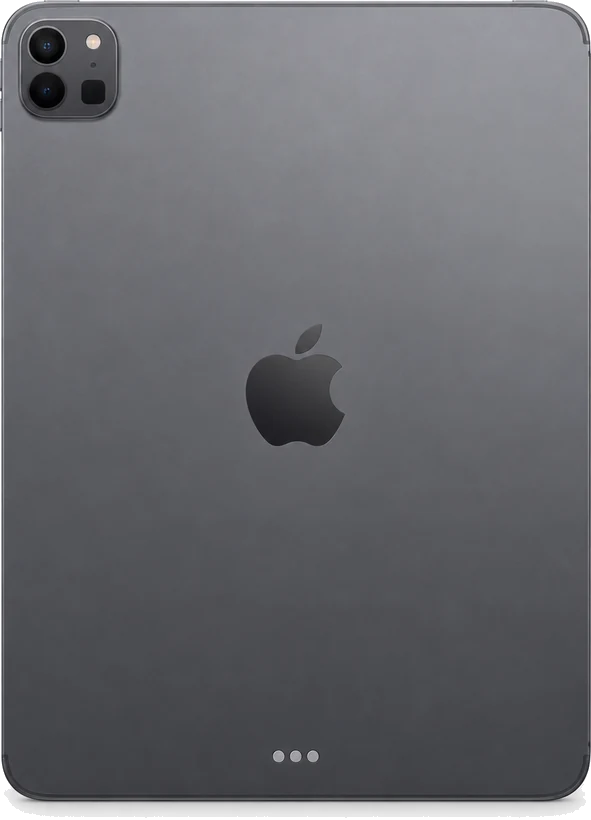

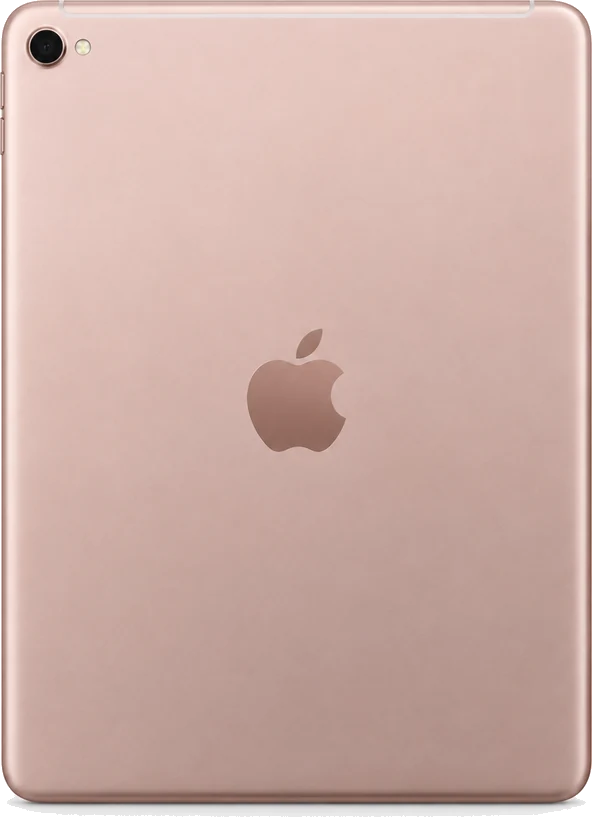

iPad Air

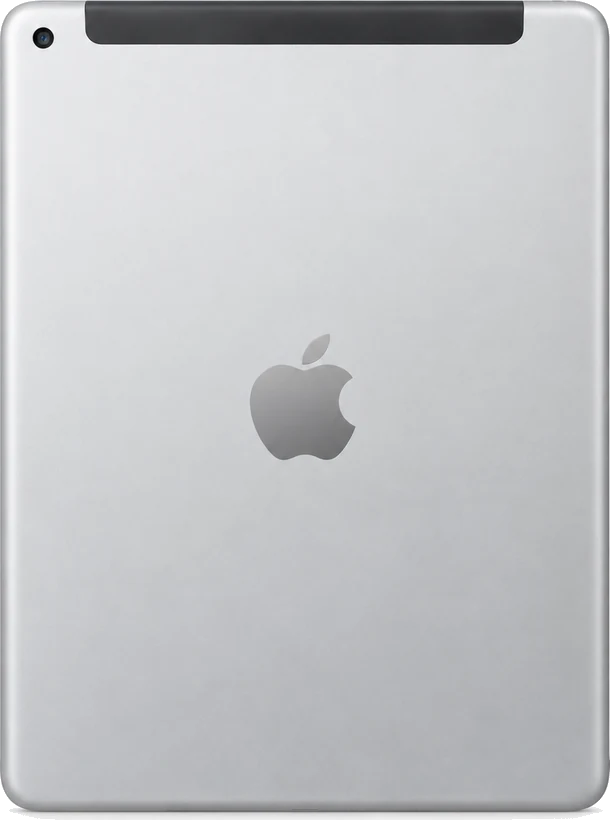
iPad Mini

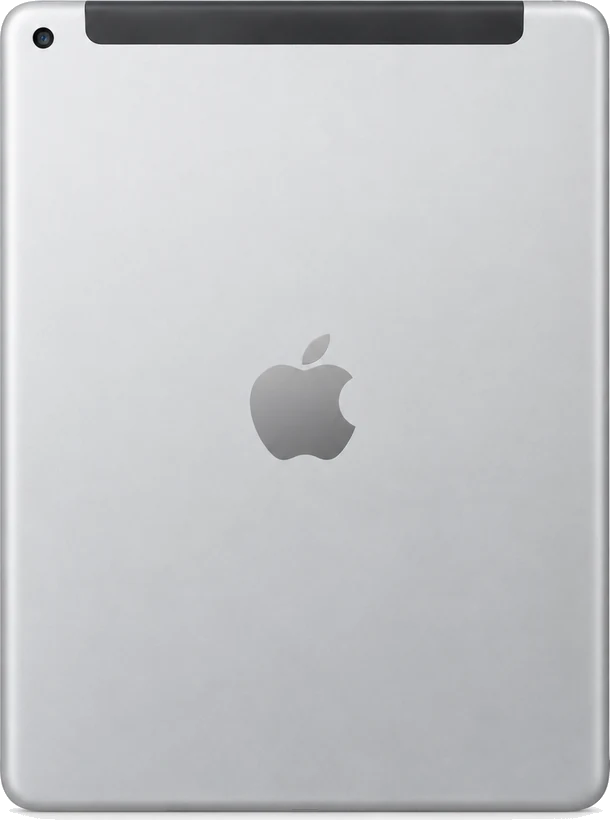
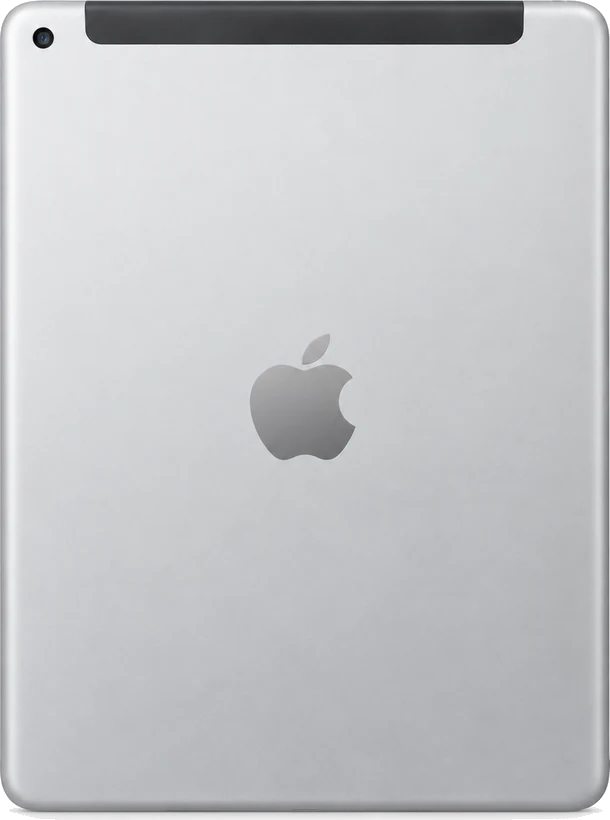

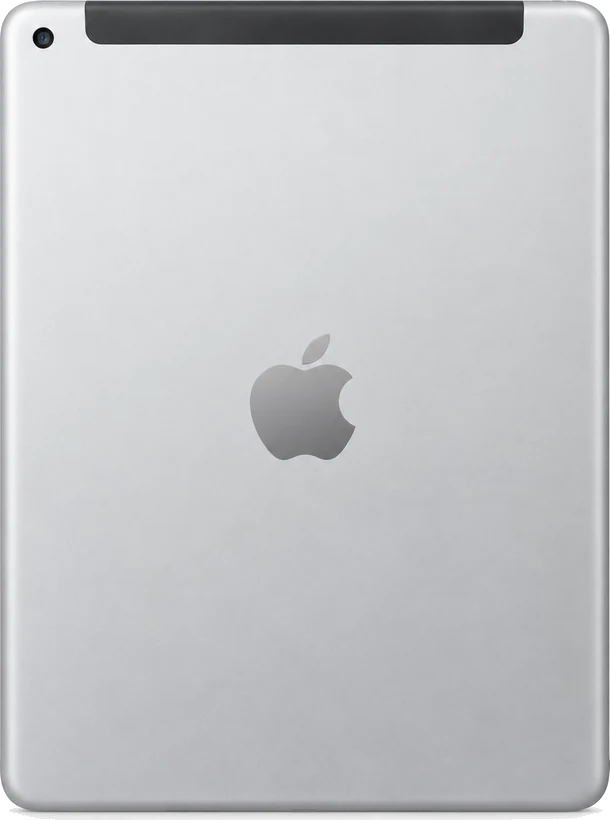

How to tell which iPhone you have
Turn the phone over. The camera changes almost every year, so the back tells you more than the front does. Find yours below, then pick it above.
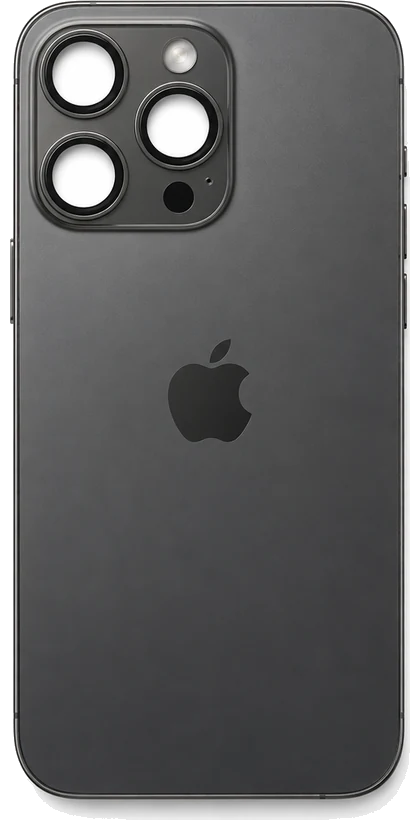
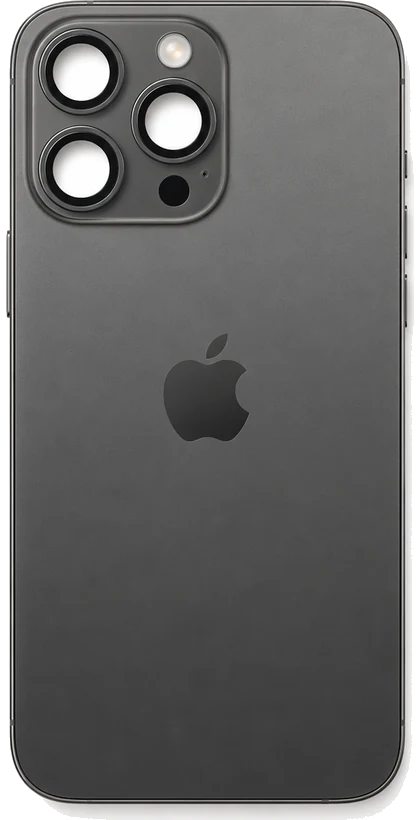
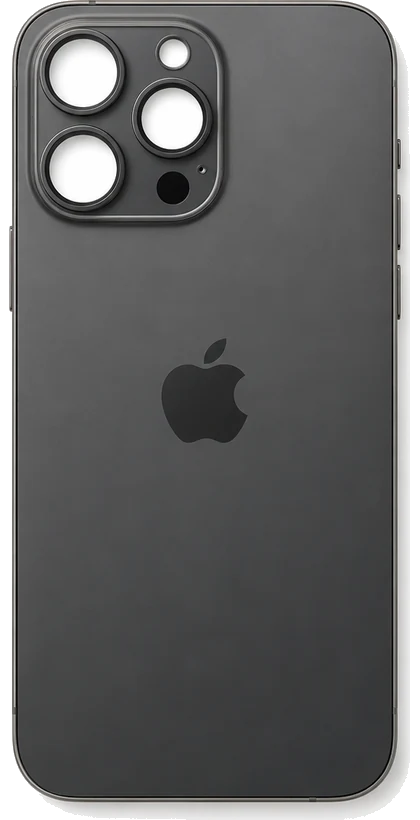
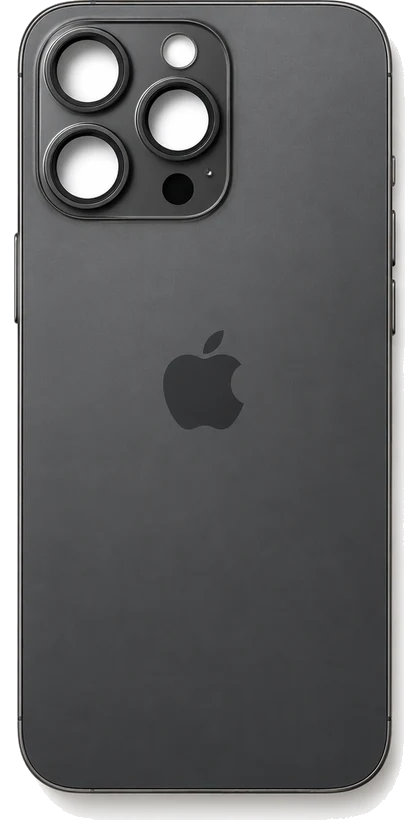
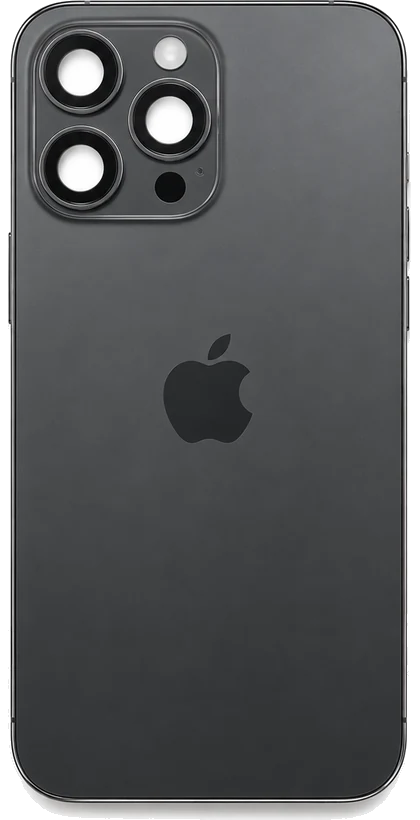
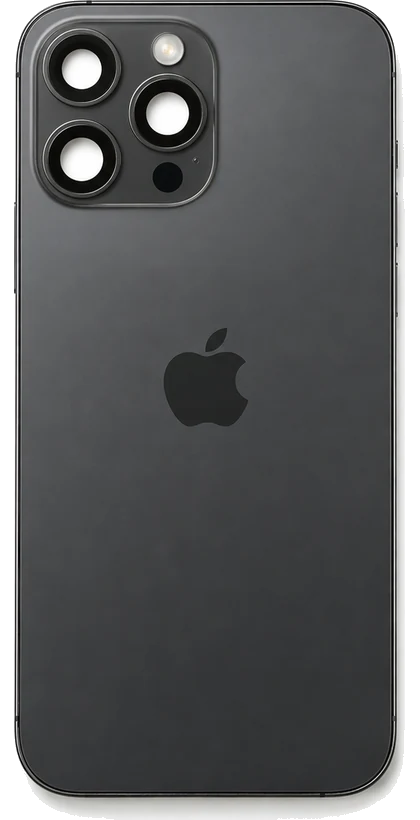
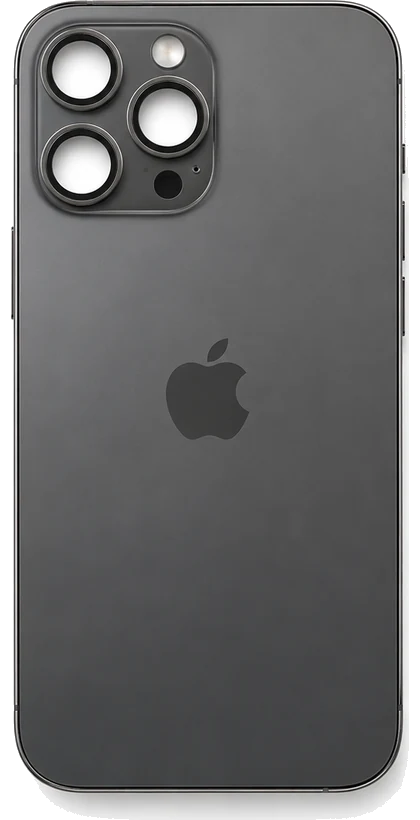
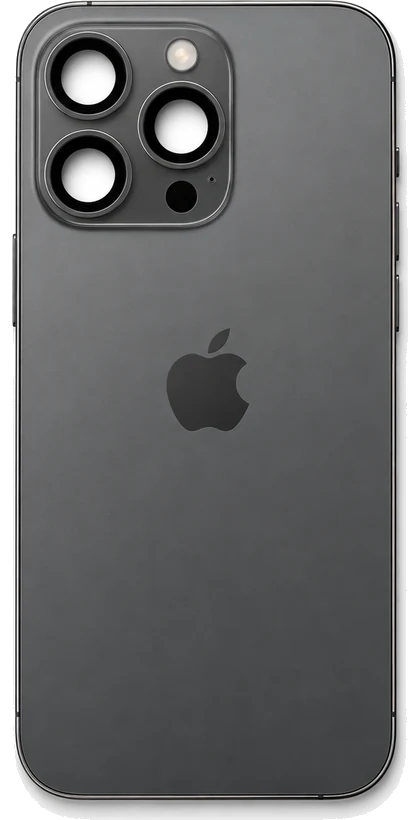
- Three lenses in a square block
- Two lenses stacked on the left, one on the right, with a flash and a small sensor. The Pro models only.
- iPhone 11 Pro through 16 Pro Max
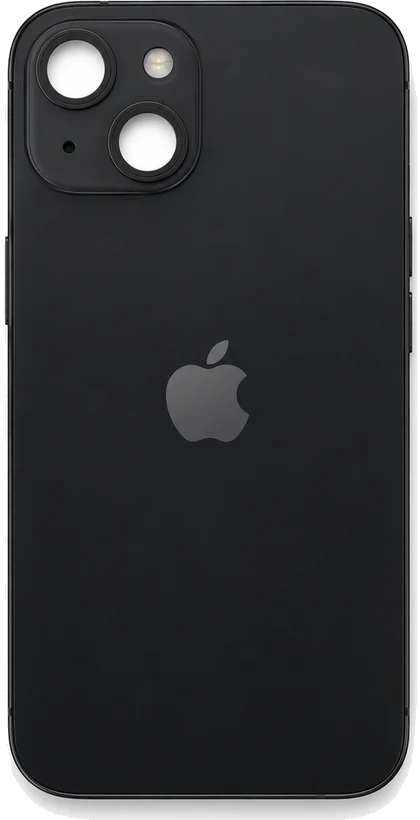
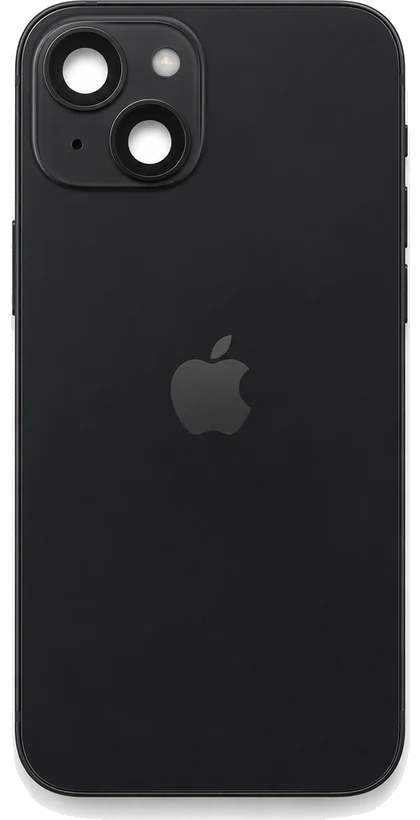
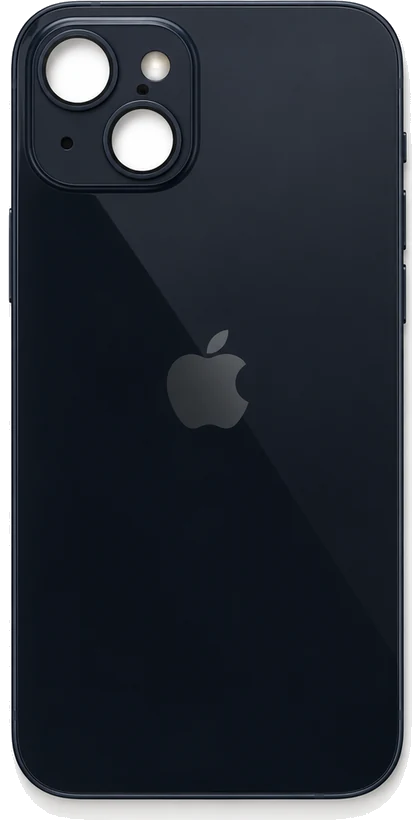
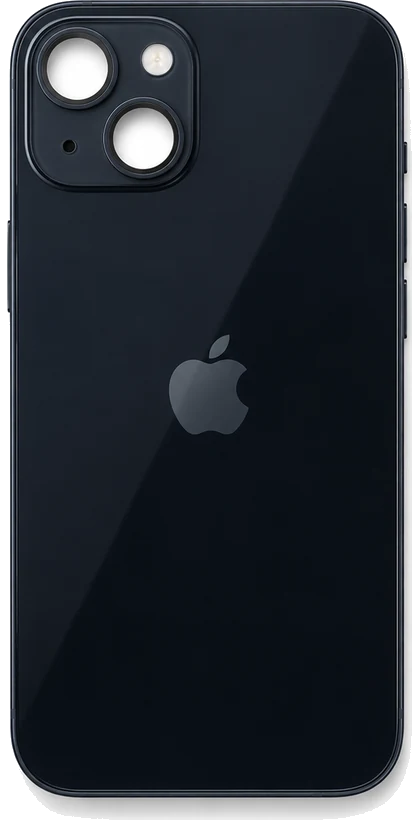
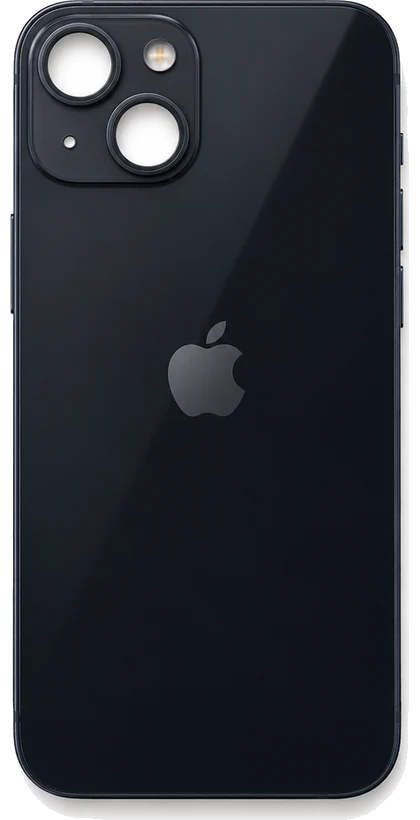
- Two lenses set diagonally
- One lens top left, the other bottom right, inside one raised square.
- iPhone 13, 14 and 15
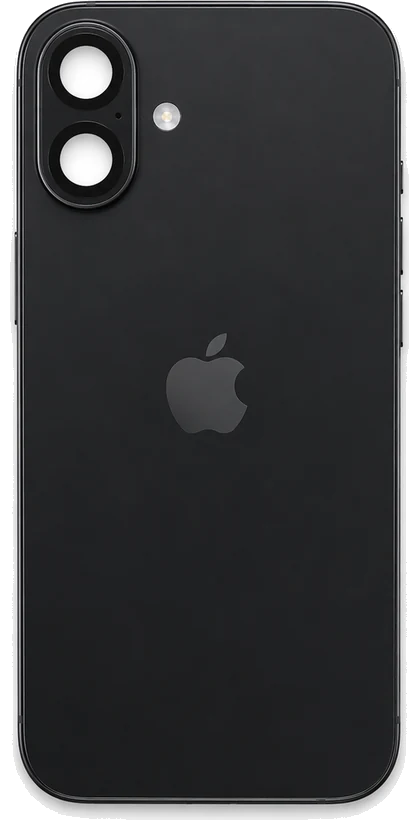
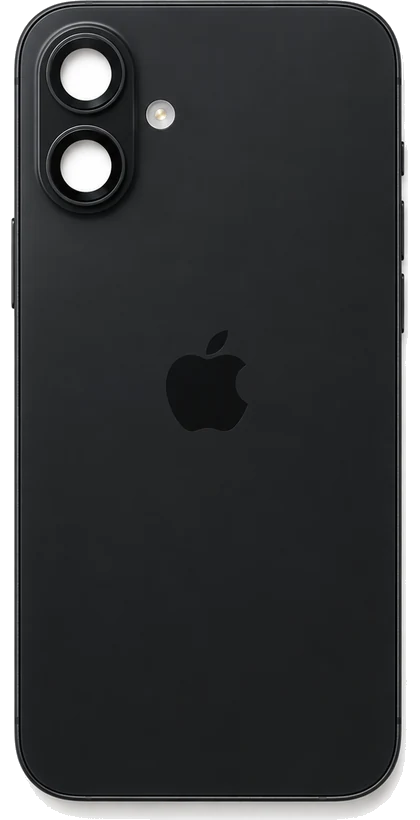
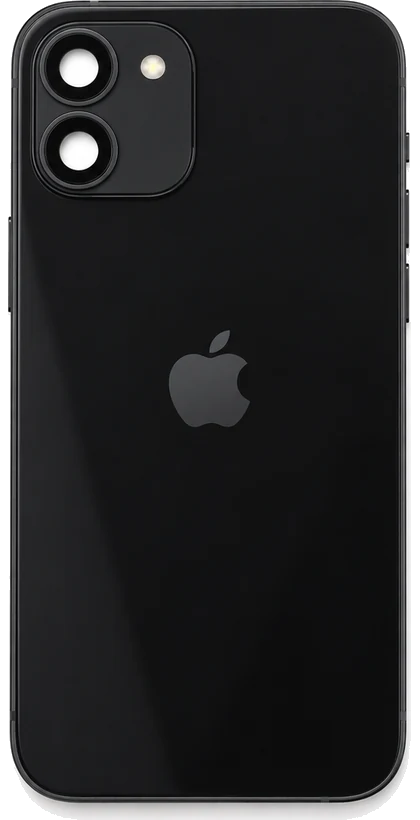
- Two lenses stacked one above the other
- In a square block on the 11 and 12, or in a tall rounded pill on the 16.
- iPhone 11, 12 and 16
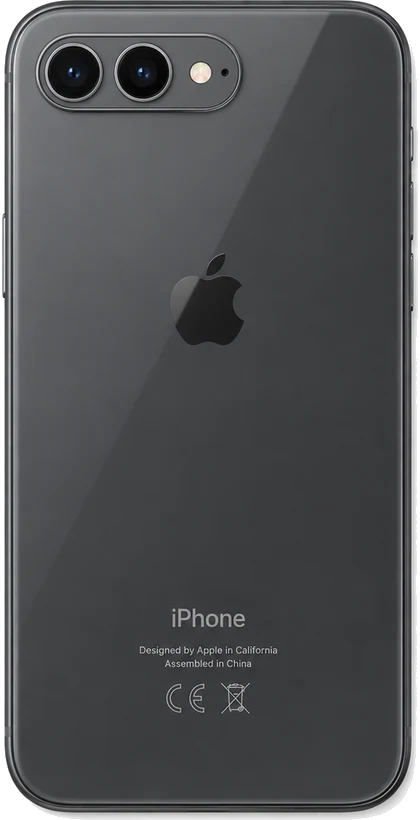
- Two lenses side by side
- A wide pill lying across the top corner, flash to the right of both lenses.
- iPhone 7 Plus and 8 Plus
- Two lenses stacked, metal frame, no raised square
- A tall narrow bump, and the word iPhone printed low on the glass back.
- iPhone X, XS and XS Max
- One lens in a raised ring
- A single round camera with the flash below it, on a glass back in a colour.
- iPhone XR
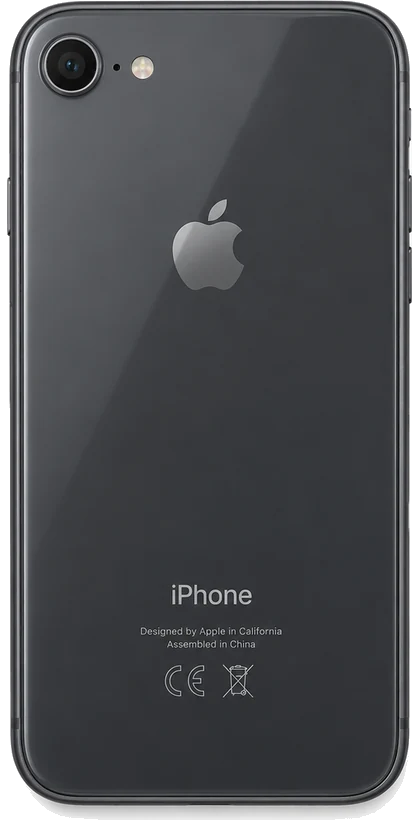
- One lens, flat back, no bump to speak of
- A home button on the front. Aluminium back with antenna lines on the 6 and 7, glass back on the 8 and SE.
- iPhone 6 through 8, SE 2020 and SE 2022
Still not sure? On any iPhone, Settings, then General, then About shows the model name. Older phones print a model number beginning with A on the back instead. Identifying an iPad or a Mac
Not sure which one you have? Send a photo of the back on WhatsApp and we will tell you the model.